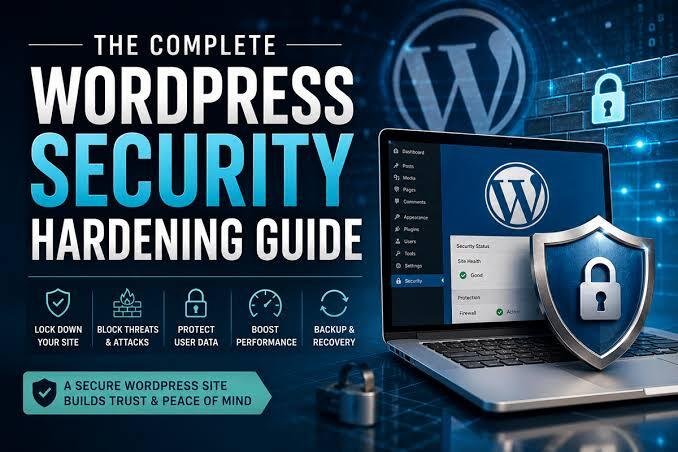
Essential Security Hardening for High-Profile Corporate WordPress Sites
Target Audience: Enterprise IT managers, WordPress site owners.
Core Focus: WordPress security, database safety, server configuration.
Because WordPress powers over 40% of the web, it is a frequent target for automated bots, brute-force attacks, and supply-chain vulnerabilities. For high-profile corporate sites, a security breach means reputational damage, revenue loss, and severe legal liability. Securing a corporate WordPress installation requires proactive, multi-layered hardening.
Core Security Vulnerabilities
Most WordPress compromises do not stem from core software vulnerabilities, but rather from weak credentials, outdated third-party plugins, insecure server configurations, and unprotected database environments.
Step-by-Step Corporate Security Hardening
1. Server-Level and Environment Protection:
- Deploy a Web Application Firewall (WAF) such as Cloudflare Enterprise or Sucuri to block malicious traffic at the DNS level before it reaches your origin server.
- Restrict access to delicate system files like wp-config.php and .htaccess via server rules.
- Enforce SSL/TLS encryption across all site assets and API endpoints.
2. Access Control and Authentication:
- Mandatory Two-Factor Authentication (2FA) for all administrative and editor roles.
- Implement strict limit-login-attempts rules to prevent brute-force attacks on wp-login.php.
- Utilize custom administrative URL paths and enforce principle-of-least-privilege user roles.
3. Database and File Hardening:
- Change the default wp_ database prefix during initial installation to prevent SQL injection vulnerabilities targeting default table structures.
- Disable XML-RPC and file execution in sensitive directories like /wp-content/uploads/.
- Conduct automated weekly file-integrity scans to detect unauthorized code modifications.
Automated Backups and Disaster Recovery
A robust security posture includes an isolated, off-site disaster recovery plan. Configure automated, encrypted daily backups stored in immutable cloud storage (such as AWS S3), ensuring you can restore full site functionality within minutes if an incident occurs.
Summary
Treat security as an ongoing operational strategy rather than a one-time configuration to ensure long-term site integrity and client trust.
RECENT POSTS
A Brief history of responsive websits
15 ways to secure your wordpress website
4 top WordPress plugins for project management
What’s new in WordPress 7.0.2
RECENT POSTS
WordPress
TAGS
Analysis | Art | Articles | Audio | Business Culture | Development | Ecology | Events | Information | Inspiration | Nature | Opportunities | Science | Trends | Video
WordPress 7.0.2 brings a collection of stability improvements, enhanced security, performance optimizations, and editor refinements. While this release focuses on polishing the overall experience rather than introducing major features, it makes website management faster, safer, and more reliable for developers, designers, and content creators.
Whether you're managing a business website, blog, portfolio, or WooCommerce store, updating to WordPress 7.0.2 ensures better compatibility with modern themes and plugins while reducing common bugs reported in previous versions.