
Menu

Menu
Full-Site Editing (FSE) vs. Page Builders for Enterprise Sites
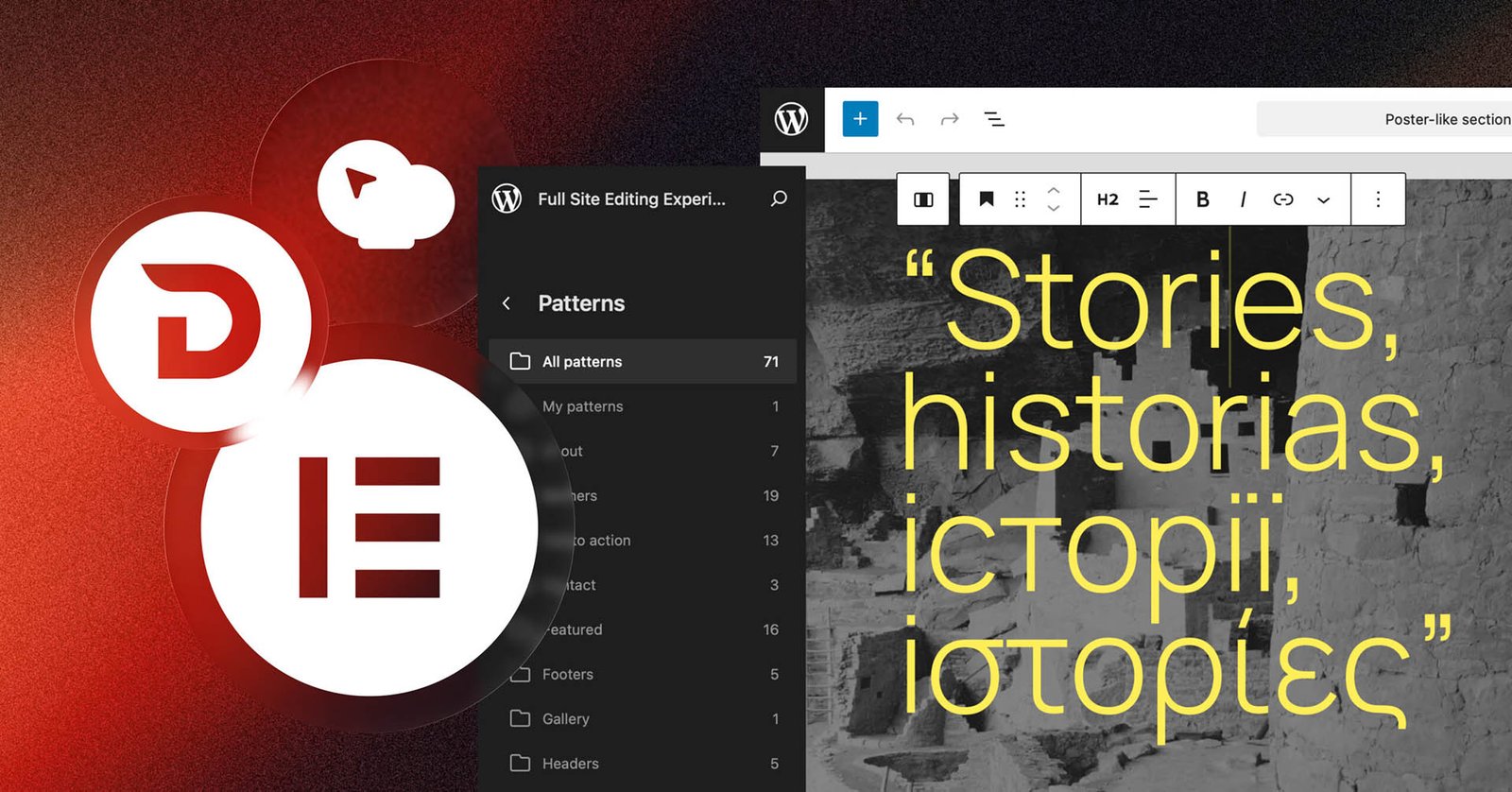
Target Audience: WordPress developers, technical directors, web design agencies.
Core Focus: Block themes, Elementor, scalability, performance.
Choosing the right architectural foundation for a corporate WordPress site is one of the most critical decisions in a project lifecycle. Agencies and enterprise teams frequently face a pivotal choice: leverage native WordPress Full-Site Editing (FSE) and block themes, or deploy established page builders like Elementor Pro. Each ecosystem offers distinct advantages depending on project requirements.
Full-Site Editing (FSE): The Native Lightweight Powerhouse
WordPress native Full-Site Editing allows developers to build entire sites—including headers, footers, and archive templates—using native block architecture without third-party page builders.
Pros of FSE:
- Superior Core Performance: Native blocks output ultra-clean HTML with minimal CSS and JavaScript overhead, resulting in exceptional Core Web Vitals scores out of the box.
- Long-Term Stability: Built directly into WordPress core, FSE reduces dependency on third-party plugins, lowering maintenance overhead and security vulnerabilities.
Cons of FSE:
- Steeper Developer Learning Curve: Building sophisticated, custom design systems in FSE requires solid knowledge of theme.json configuration and custom block creation.
Page Builders: Speed of Execution and Design Flexibility
Page builders like Elementor Pro remain dominant across many agency workflows due to their unmatched rapid prototyping and deep ecosystem integrations.
Pros of Page Builders:
– Unrivaled Design Control: Rich visual controls, flexbox/grid containers, custom display conditions, and vast template libraries enable rapid development cycles.
– Client-Friendly Editing: Non-technical corporate marketing teams often find drag-and-drop page builders more intuitive for daily content publishing.